Freeform text rotated
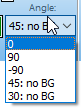
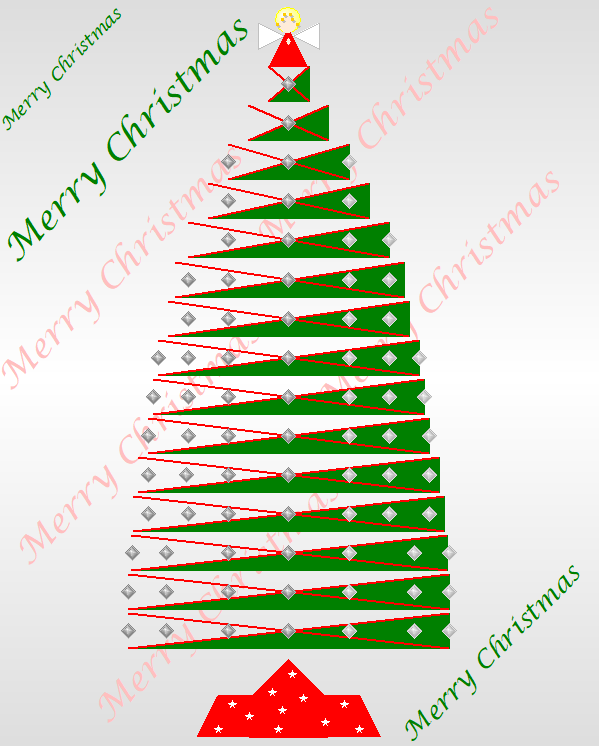
Answer:After entering the Freeform text block, click once on it with the arrow tool. This will display the to change the angle of the text. The options are 0 (not rotated), 90, -90, 45 and 30. Angles of 45 and 30 have a notation "No BG", indicating that they will be shown with no additional background color. See the example Christmas tree created with Milestones. It shows several text blocks rotated at 45 degrees. They are shown "transparent", using the schedule's background color.
|
|
|
|
 2017
2017