Change the color of a single symbol
Answer 1:
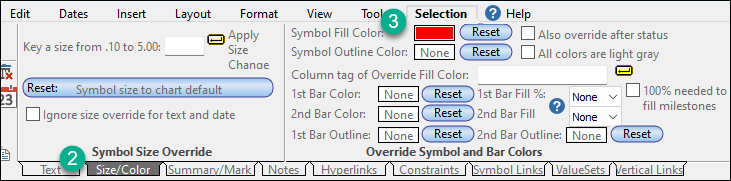
Answer 2:On the Dates tab, check to see if the Symbols: Fill to Status Date selection is checked. If so, all symbols after the status date will be either hollow or filled with the color specified for that symbol type in the toolbox. |
|
|
|
 2017
2017