Move Milestones to the primary monitor (Remote Desktop)
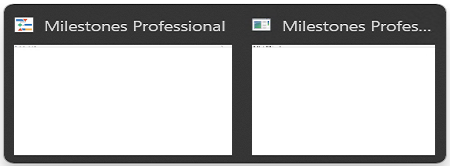
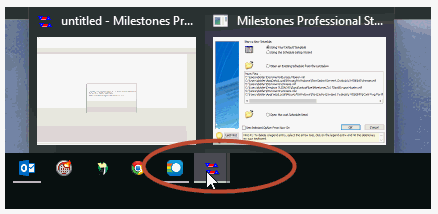
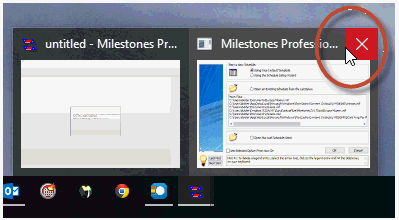
Answer:Watch a video covering this isssue. After starting Milestones, hover over the Milestones icon in the taskbar and two window "thumbnails" will be shown: For the window thumbnail on the right (the startup window), click the x to close the startup window:
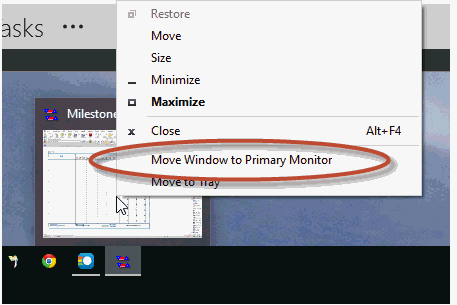
If the red x is not available select the the keyboard ESC key to close the startup window Next, move the mouse over the window which remains. Right click and then from the menu which appears choose Move Window to Primary Monitor:
|
 2017
2017