Freeze the left column and date headings
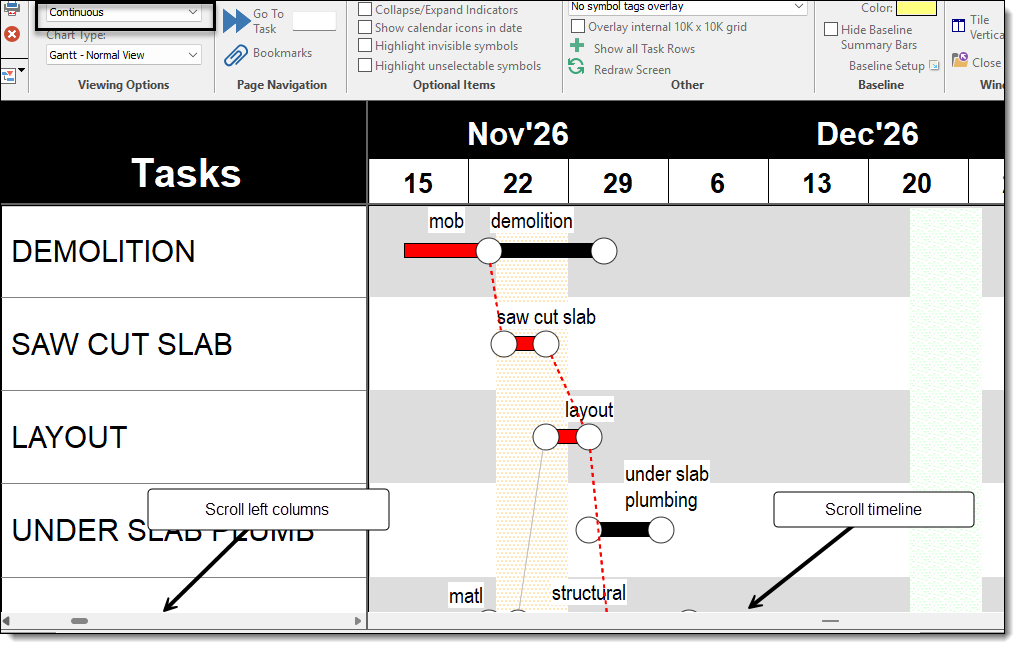
Answer:Milestones Professional's Continuous View can do this. It's helpful for schedules which are too wide for the screen.
Use the scroll bars to move through the schedule.
|
|
|
|
Answer:Milestones Professional's Continuous View can do this. It's helpful for schedules which are too wide for the screen.
Use the scroll bars to move through the schedule.
|
|
|
|
Applies to Milestones Professional:  2019 2021 2023 2025
The fast easy way to schedule your projects: Milestones Software by KIDASA Software, Inc. www.kidasa.com
Copyright © 2025 KIDASA Software, Inc. All rights reserved.