Clone a schedule

Question:     

I have a schedule which I want to replicate for a new project.  How can I make a new schedule based on a schedule I already have?  The new schedule needs to be the same as the original schedule but, of course, the start date of my new project will be different.


Answer:

Milestones Professional makes this easy:

  1. Open the original schedule.

  2. On the File tab, click the New  icon.     

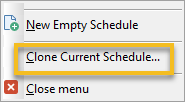
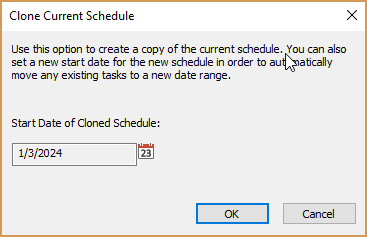
  3. Choose Clone Current Schedule.   Then, specify a start date for the new schedule.


ExampleExampleCloning schedule example


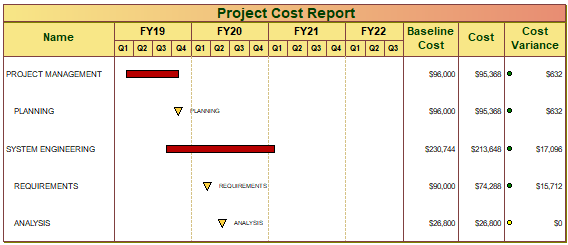
This is the original schedule:


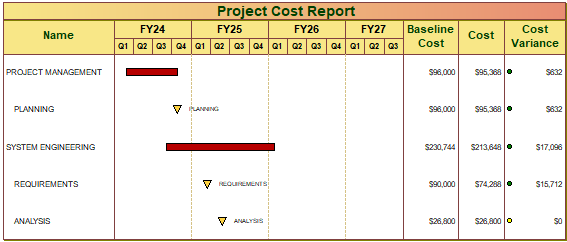
Here is the "cloned" schedule with a start date of January 1, 2024:


Related topics

Templates

Save file as chart or template?


Applies to Milestones Professional:      2019        2021        2023        2025


The fast easy way to schedule your projects:  Milestones Software by KIDASA Software, Inc. www.kidasa.com

Copyright © 2025 KIDASA Software, Inc. All rights reserved.